How to Restore a WordPress Backup: Plugin, Host, and Manual Methods
Learn how to restore a WordPress backup using plugins, host panels, or manual methods. Recover from crashes and security incidents with minimal downtime.
Learn More

Learn how to restore a WordPress backup using plugins, host panels, or manual methods. Recover from crashes and security incidents with minimal downtime.
Learn More
Recover from a hacked WordPress site by isolating infections, replacing core files, resetting credentials, and removing search engine warnings to secure your
Learn More
Learn how to secure a WordPress site using layered defenses, strong access controls, and server hardening to reduce risk from automated bots and hackers
Learn More
Compare WordPress hosting types including shared, VPS, and managed options from SiteGround, DigitalOcean, Cloudways, and WP Engine to find the right fit.
Learn More
Compare Divi and Elementor on pricing, editing experience, and vendor lock-in to choose the right WordPress page builder for your site needs today
Learn More
Learn how to speed up a WordPress site using Google PageSpeed Insights, Core Web Vitals, caching, CDN, and hosting fixes for better rankings
Learn More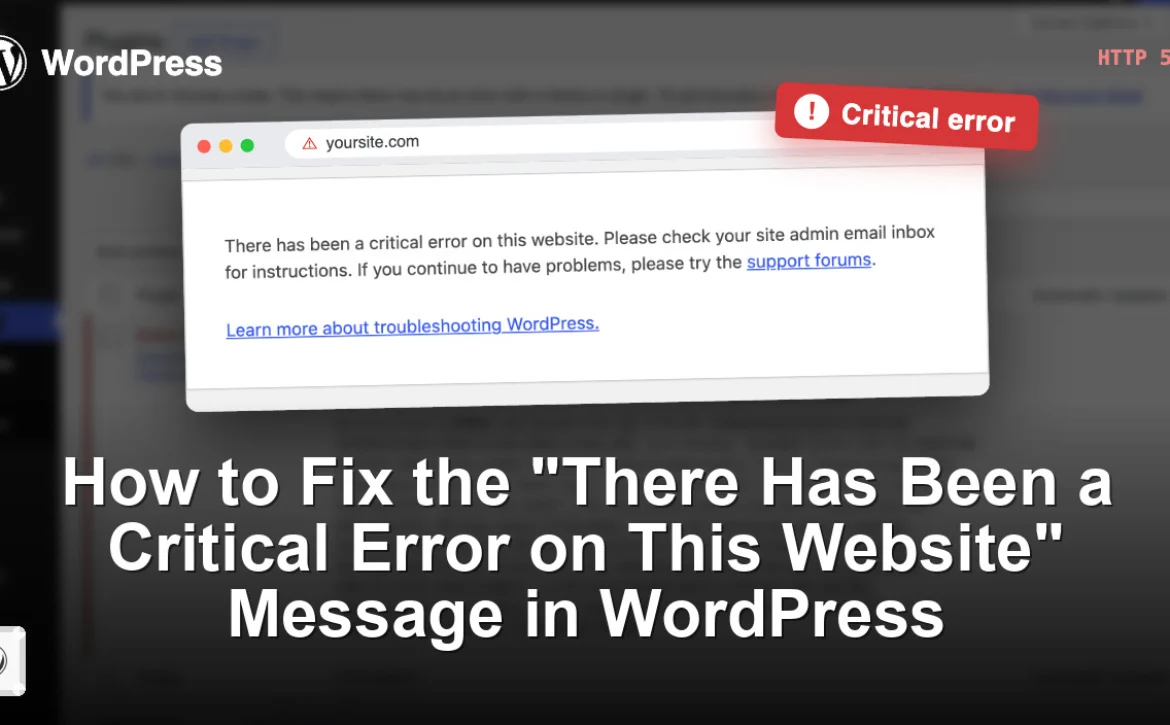
Resolve the there has been a critical error on this website message using WordPress Recovery Mode, admin email links, and error logs to identify faulty plugins
Learn More
Resolve the error establishing a database connection in WordPress by checking wp-config.php credentials, repairing MySQL databases, and restoring site access
Learn More
Resolve the WordPress white screen of death caused by PHP errors, plugin conflicts, or memory limits using recovery mode and manual file manager fixes
Learn More
The Divi Marketplace guide reviews top plugins, child themes, and layouts to help developers select the best products for their WordPress sites
Learn More