How to Speed Up a WordPress Site: A Step-by-Step Checklist
Learn how to speed up a WordPress site using Google PageSpeed Insights, Core Web Vitals, caching, CDN, and hosting fixes for better rankings
Learn More

Learn how to speed up a WordPress site using Google PageSpeed Insights, Core Web Vitals, caching, CDN, and hosting fixes for better rankings
Learn More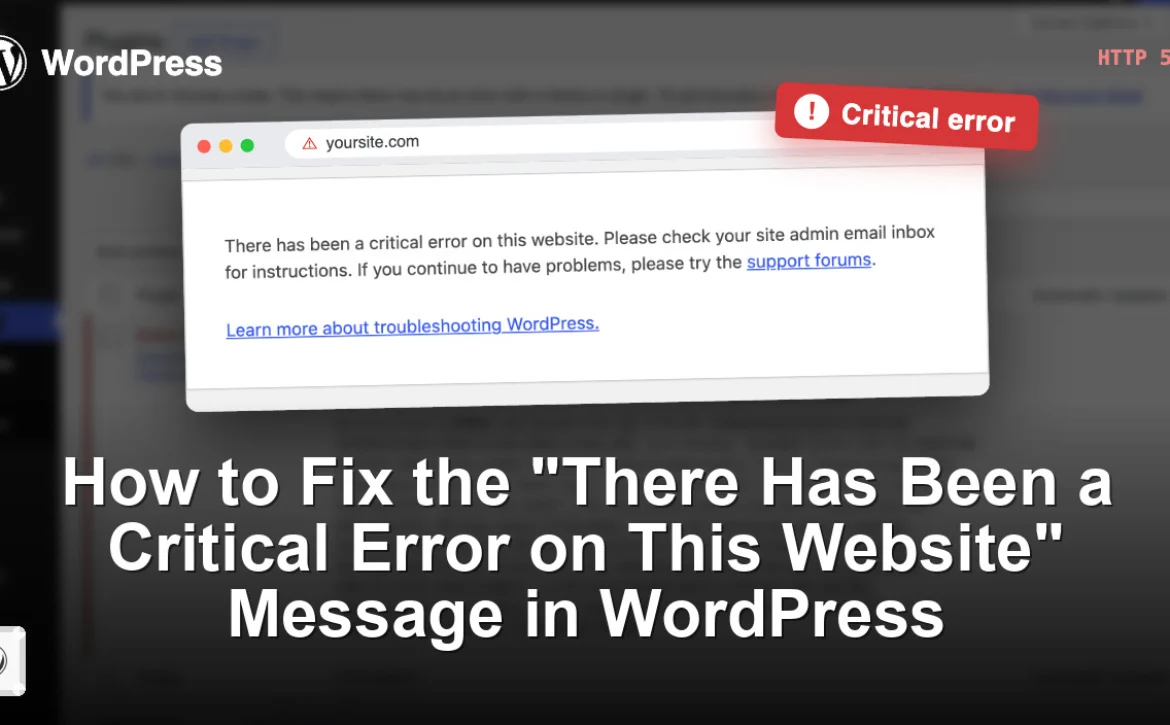
Resolve the there has been a critical error on this website message using WordPress Recovery Mode, admin email links, and error logs to identify faulty plugins
Learn More
Resolve the error establishing a database connection in WordPress by checking wp-config.php credentials, repairing MySQL databases, and restoring site access
Learn More
Resolve the WordPress white screen of death caused by PHP errors, plugin conflicts, or memory limits using recovery mode and manual file manager fixes
Learn More