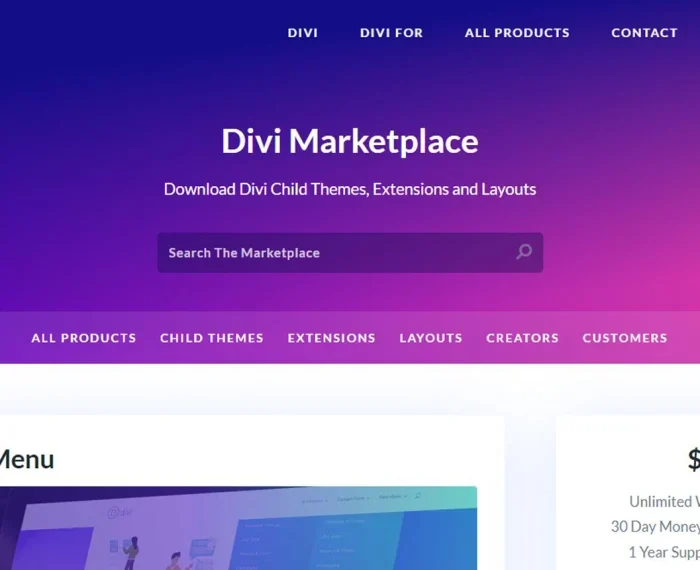
Quick answer: A Divi menu plugin extends the Divi theme with menus it can’t build on its own, such as mega, popup, fullscreen and circular menus, without custom code. The top options in 2026 are DiviMenus, Divi Mega Menu Pro, Divi MadMenu, Divi Mini Cart and Divi Restro Menu. All except DiviMenus are listed as compatible with Divi 5.
Creating a clear website menu is very important for a good user experience and better search rankings. It helps visitors find their way around your site easily, and it should be simple, clear, and consistent. Your menu also needs a logical layout that works well on all screen sizes.
The Divi menu plugins in our top list add these basic design ideas to your website. Divi already includes many of these tools by default, but these plugins add advanced features that usually need custom coding. In this article, we show the best Divi menu plugins and explore their top features, strengths, and weaknesses.
Let’s dive in!
What changed for 2026
Divi 5, the rebuilt version of Divi, became the stable release in February 2026, and Elegant Themes said it would keep supporting Divi 4 for at least six months after that. So the first thing to check with any Divi plugin now is whether it works with Divi 5. Four of the five plugins below are listed as Divi 5 compatible on the Divi Marketplace; DiviMenus is still listed for Divi 4 only. We checked every price and compatibility note on the Marketplace in November 2026.
What constitutes a Divi Menu Plugin?
A Divi menu plugin extends the Divi theme to improve its overall design and function. These plugins offer advanced features like mega menus, popup menus, off-canvas menus, unique circular menus, and eCommerce tools, which normally require expensive custom coding.
How does Divi’s Built-In Menu Module compare?
Divi includes a strong Menu Module to help you build great menus on any page, template, or main header. You have full control over the design and function, so you can create header menus with advanced features. These advanced features include slide-in, push-down, and fullscreen layouts, giving you many great options for your site.
However, a Divi Menu Plugin is a much easier solution if you want to save time and effort. It gives you ready-made advanced features that are built exactly for your specific needs.
Top 5 Divi Menu Plugins
We chose the Divi menu plugins in this article from the most popular and top-rated extensions in the Divi Marketplace. We also carefully checked the features of each plugin to find the most complete solutions. We are sure you will find a reliable option for your Divi headers and menus in our list below.
- DiviMenus
- Divi Mega Menu Pro
- Divi MadMenu
- Divi Mini Cart
- Divi Restro Menu
1. DiviMenus
DiviMenus by DonDivi is a creative menu builder plugin. This strong tool offers many menu styles, including horizontal, vertical, and circular layouts, to give your site a unique look. You can easily choose different link types for your menus, such as URLs, popups, submenus, and show/hide elements. DiviMenus improves your site navigation with extra features like layout shortcodes and free pre-designed layouts. It also gives you easy access to the Divi Builder right in the admin area.
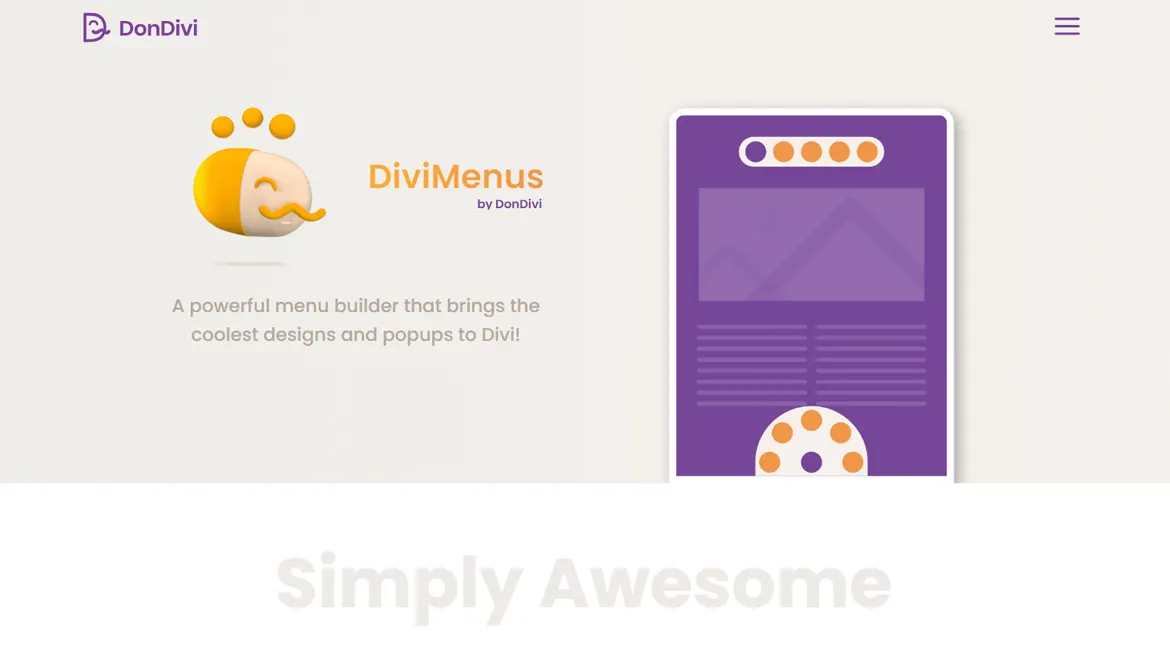
Key Features of DiviMenus:
- Very customizable mega menus
- Support for many link types, including popups
- Built-in shopping cart features with an item count
- Layout shortcodes that let you add any Divi layout to your menus.
- Unique circular menu design option
- Extra add-ons like Floating Menus and DiviMenus on Media for more features
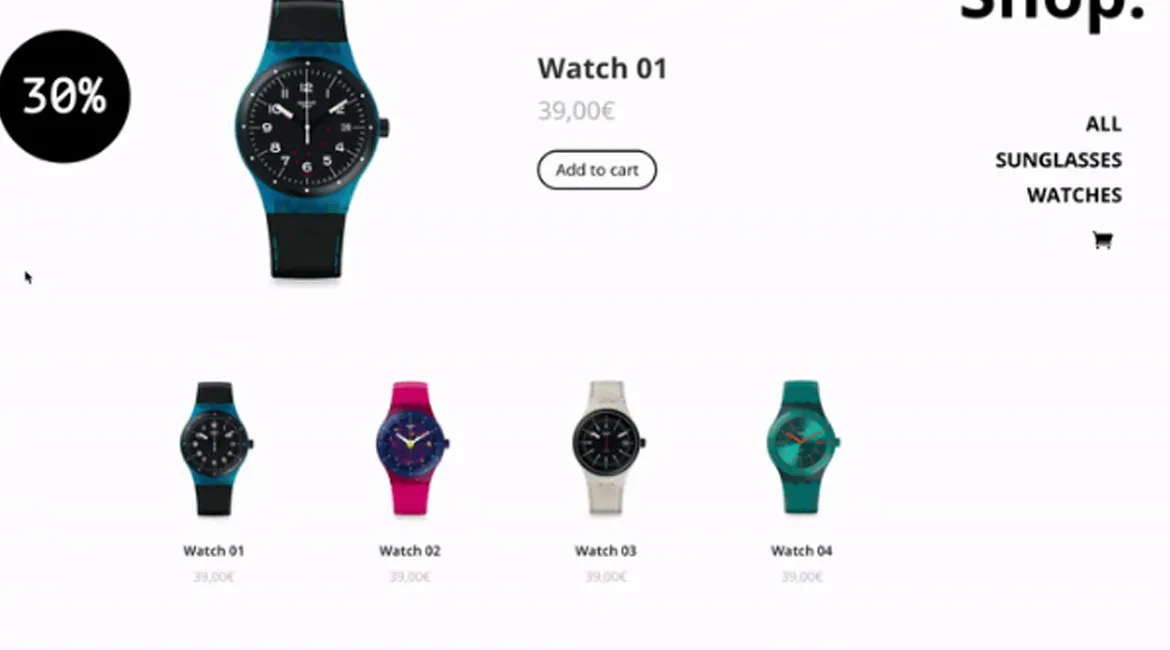
DiviMenus offers many great features to help improve your overall website design and user experience. Its unique menu styles, like circular and show/hide menus, give you excellent choices for creative navigation.
Best For
DiviMenus helps you show off your creativity while keeping your site easy to navigate and beautifully designed.
Pricing
$49, a one-time price that covers unlimited websites and 1 year of support and updates. Divi 5: not yet — the Marketplace lists it as compatible with Divi 4 only.
2. Divi Mega Menu Pro
Divi Mega Menu Pro by Divi Life helps you build beautiful and useful Mega Menus and Mega Tooltips using the Divi Builder. You get full control over the design and content, so you can easily add many different elements. These include login forms, shopping carts, tabs and toggles, sliders, and strong call-to-action buttons.
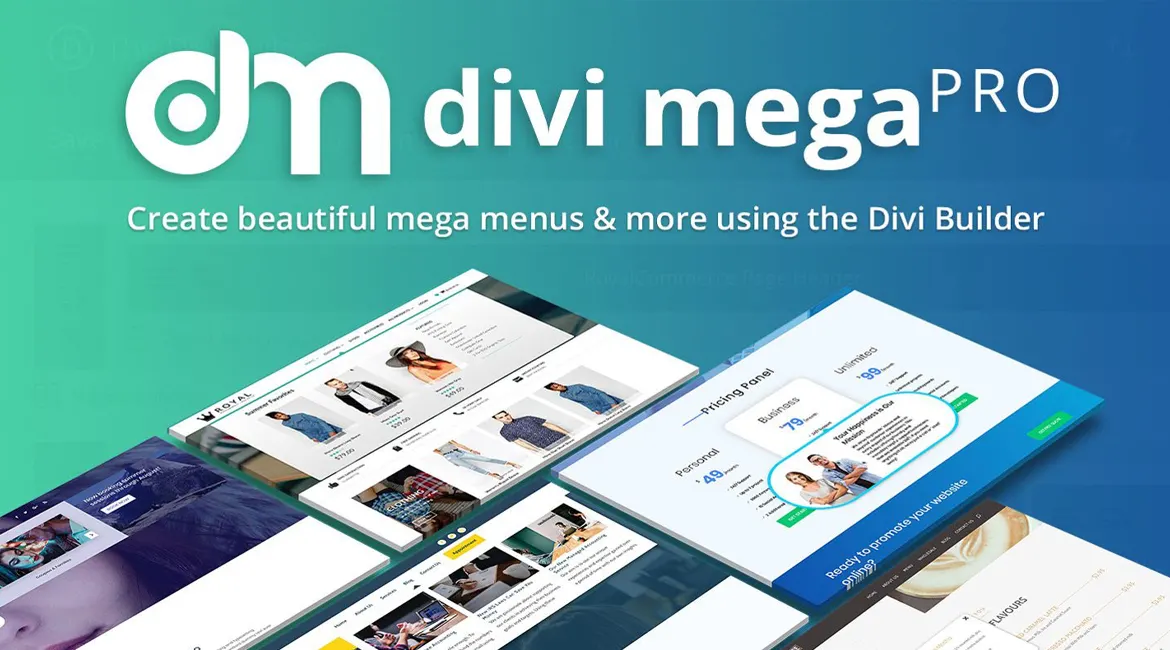
Key Features of Divi Mega Menu Pro:
- Strong mega menus that use all the best features of the Divi Builder
- Mega Tooltips offer a unique way to show information to your site visitors

The Mega Tooltips feature in Divi Mega Menu Pro is a very useful tool for designers. It lets you share extra information without moving visitors away from the current page. This makes it perfect for landing pages or pricing tables where keeping visitors engaged is very important.
Best For
Divi Mega Menu Pro is a great choice if you want a reliable mega menu with unique features. The mix of beautiful mega menus and smart tooltips makes a powerful combination for any Divi website.
Pricing
$79, a one-time price that covers unlimited websites and 1 year of support and updates. Compatible with Divi 4 and Divi 5.
3. Divi MadMenu
Divi MadMenu by Divicio.us gives you many ways to customize your headers and menus, including layout, alignment, design elements, and device settings. The plugin also adds two new Divi menu modules to improve your site. These include custom popups, buttons based on user login status, login and logout buttons, and cart icons linked to WooCommerce. Together, these features create a more interactive and personal experience for your users.
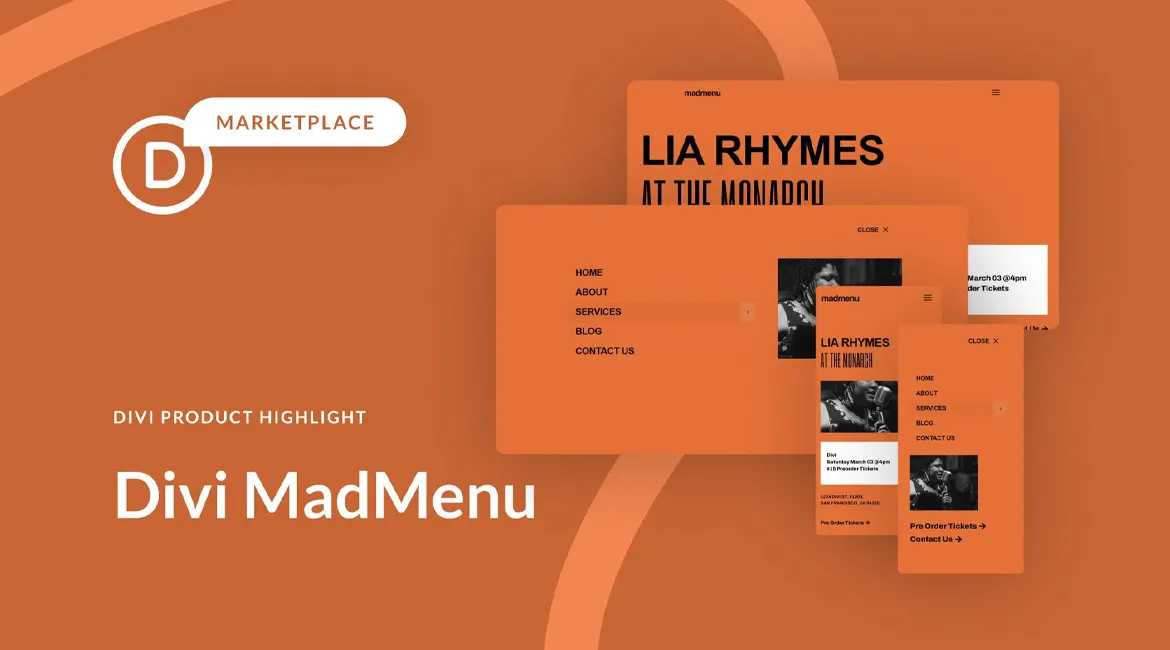
Key Features of Divi MadMenu:
- Two new menu modules
- Customization options for the logo, desktop menu, mobile menu, cart, call-to-action buttons, and search
- Popups, off-canvas menus, and vertical menus
- Slide-in submenus for mobile screens
Divi MadMenu has several great features that really make it stand out from the rest. These include off-canvas menu choices, many vertical menu options, and careful responsive design settings. Together, these tools help you build beautiful and useful menus for any device size, no matter how complex.
Best For
Divi MadMenu is perfect for people who want complete control over every small detail of their Divi headers and menus.
Pricing
$49, a one-time price that covers unlimited websites and 1 year of support and updates. Compatible with Divi 4 and Divi 5.
4. Divi Mini Cart
Divi Mini Cart by Powdi Studio is built to improve the shopping experience on Divi websites. It focuses on making the cart easy to reach, giving users a smooth and friendly online shopping experience. The plugin provides a customizable cart icon and drop-down cart content. It uses Ajax technology for instant updates and works perfectly on mobile devices for smooth browsing everywhere.
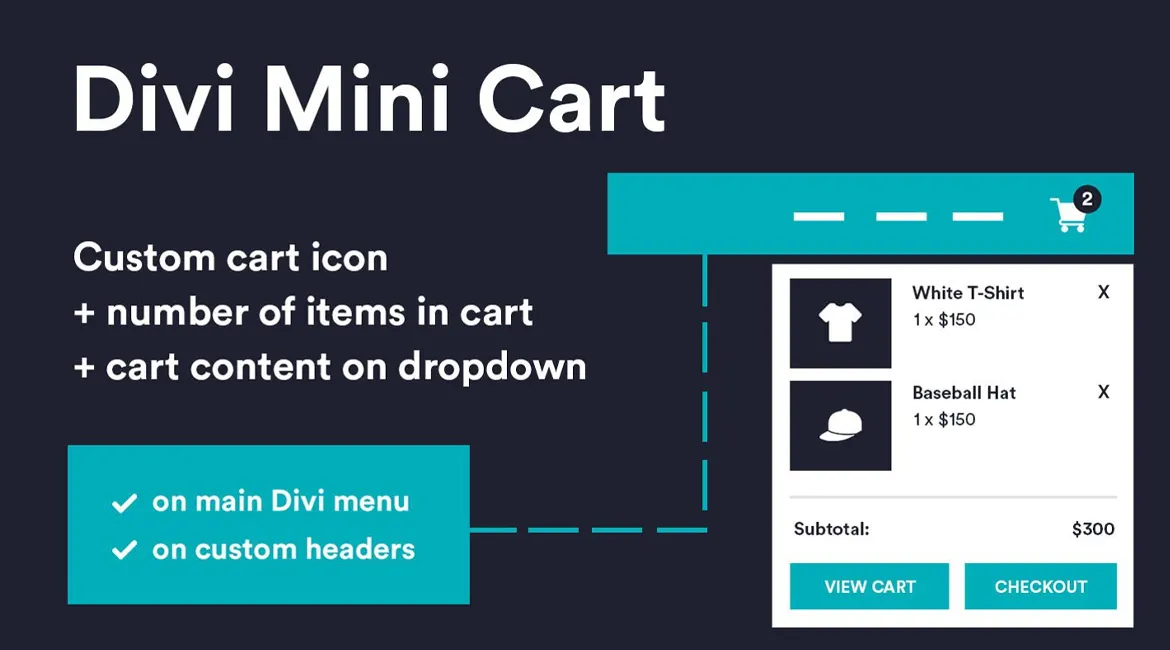
Key Features of Divi Mini Cart:
- You can change the cart icon and its number
- You can fully design the mini cart window
- The mini cart works perfectly on mobile phones
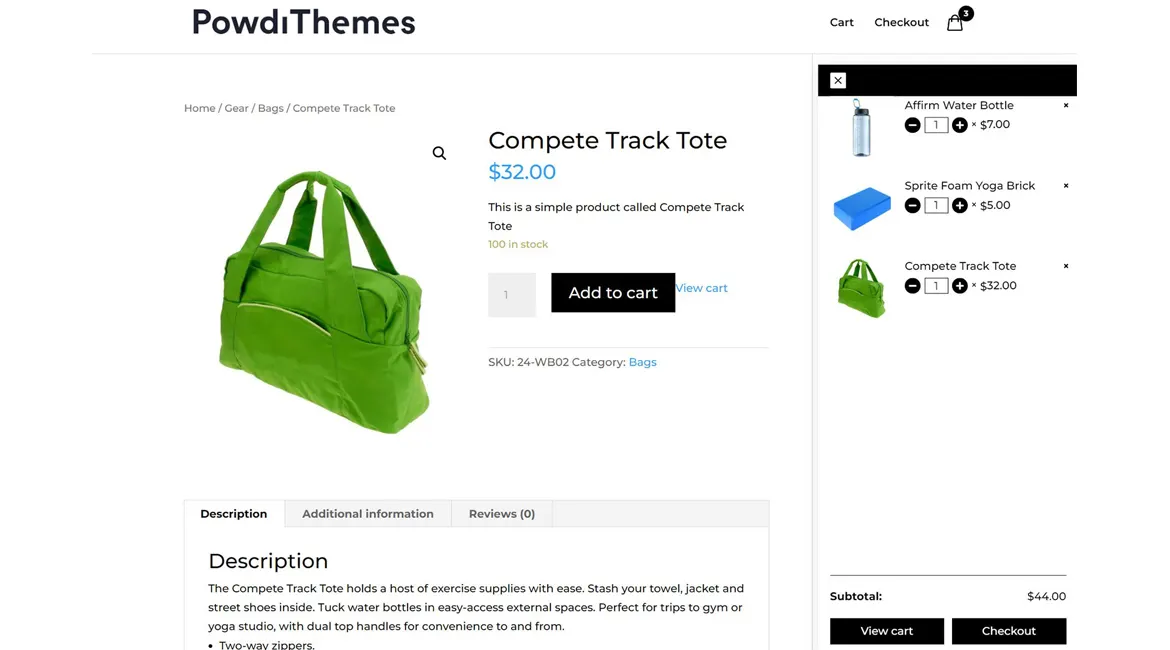
This simple and light plugin is actually very powerful for your online store. It lets you build a clean, custom shopping experience right in your main menu to greatly increase sales.
Best For
This plugin has a much more specific focus than the other tools we reviewed today. It helps you show visitors their cart items and encourages them to finish checking out.
Pricing
$25, a one-time price that covers unlimited websites and 1 year of support and updates. Compatible with Divi 4 and Divi 5.
5. Divi Restro Menu
Divi Restro Menu by Divi Extended helps you easily build and show restaurant menus on Divi websites. It is different from our other picks, but we added it as a bonus because it solves menu problems so well. This tool makes it very simple to manage your food items, prices, and categories. It also gives you two beautiful menu layouts that you can easily change to fit your restaurant.
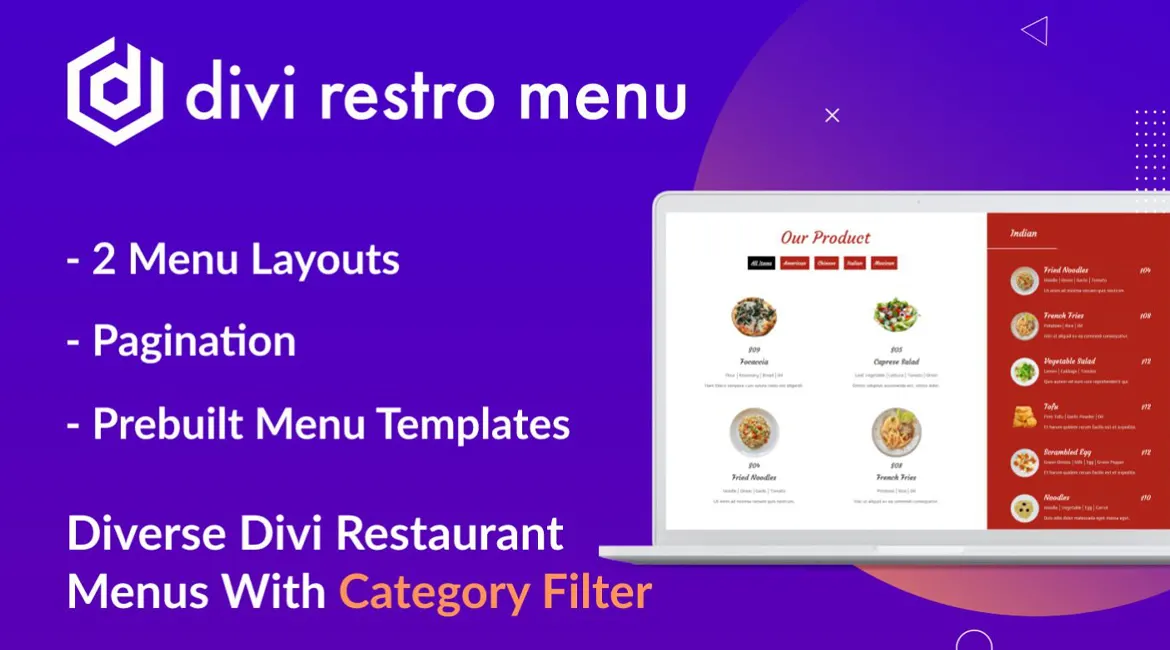
Key Features of Divi Restro Menu:
- Two different menu layouts
- A dedicated section to add your menu items
- Filters to sort by category
- Many price options for each menu item
- Page numbers to split long menus
Divi Restro Menu is a great choice for restaurant sites because it fixes common design problems with online menus. Features like category filters and multiple prices make the process simple, while page numbers give customers a better experience.
Best For
This plugin is a perfect fit for anyone who is building restaurant websites using Divi.
Pricing
$39, a one-time price that covers unlimited websites and 1 year of support and updates. Compatible with Divi 4 and Divi 5.
Which Divi Menu Plugin stands out as the best option?
Finding the best Divi menu plugin depends on your specific needs and priorities. However, based on the comparison charts provided above, here is our top recommendation for you.
DiviMenus is our top choice because it offers a full set of features at a fair price. This gives you excellent value for your money.
You might need specific tools like tooltips or login buttons for your site. If so, Divi Mega Menu Pro or DiviMadMenu could be a better fit for your needs.
Supreme Mega Menu is a good choice if you need essential features at a lower price. It includes mega menus, vertical menus, mobile optimization, WooCommerce cart integration, and free layouts.
If advanced WooCommerce cart integration is important, Divi Mini Cart is a highly reliable choice.
You can also customize your Divi headers and menus with our free Divi header and footer packs. Our in-house content team carefully selects and regularly releases these packs, offering many designs to meet your needs.