

If you need a generous free version and the largest ecosystem of third-party add-ons, choose Elementor. If you want to pay once and build unlimited websites without worrying about annual renewals, Divi is the better choice. This guide breaks down the pricing, editing experience, performance, and the realities of vendor lock-in so you can pick the right tool for your WordPress site.
How the Pricing and Licensing Models Compare
When evaluating page builders, the licensing structure often dictates your long-term budget, especially if you manage multiple client sites. Elementor and Divi take fundamentally different approaches to monetization.
Elementor offers a “generous free version with over 30 widgets”, allowing beginners to build complete websites at no cost. When you need advanced features like theme building, custom forms, or WooCommerce integration, you upgrade to Elementor Pro. Pro plans start at $59 per year for a single website. For users who want an all-in-one subscription, Elementor One bundles the Pro editor with tools like Image Optimizer, Site Mailer, and accessibility scanning into a single credit-based pool. However, Elementor does not offer a lifetime payment option; you must renew annually to keep receiving updates and support.
Divi, developed by Elegant Themes, does not have a free version. Its annual plan starts at $89 per year, but unlike Elementor’s entry tier, this single license allows you to build on an unlimited number of websites. Alternatively, you can purchase a Divi Lifetime License for a one-time fee of $249. This lifetime access includes Divi Dash, a centralized management tool that lets you automate updates and manage client sites from a single dashboard.
Here is how the core pricing and feature limits compare:
| Feature | Elementor | Divi |
|---|---|---|
| Free Version | Yes (30+ native widgets) | No |
| Yearly Plan | From $59/year (1 site limit) | From $89/year (unlimited sites) |
| Lifetime Plan | Not available | $249 one-time (unlimited sites) |
| Native Widgets/Modules | 90+ Pro widgets | 70+ core modules |
| Pre-made Templates | 100+ block templates | ~1,850 full layout packs |
Combining the base builder with these native tools brings the total out-of-the-box design element count to over 90 widgets for Elementor and 70 modules for Divi, though Elementor relies heavily on third-party extensions to fill feature gaps that Divi includes natively.
What the Editing Experience and Interface Feel Like
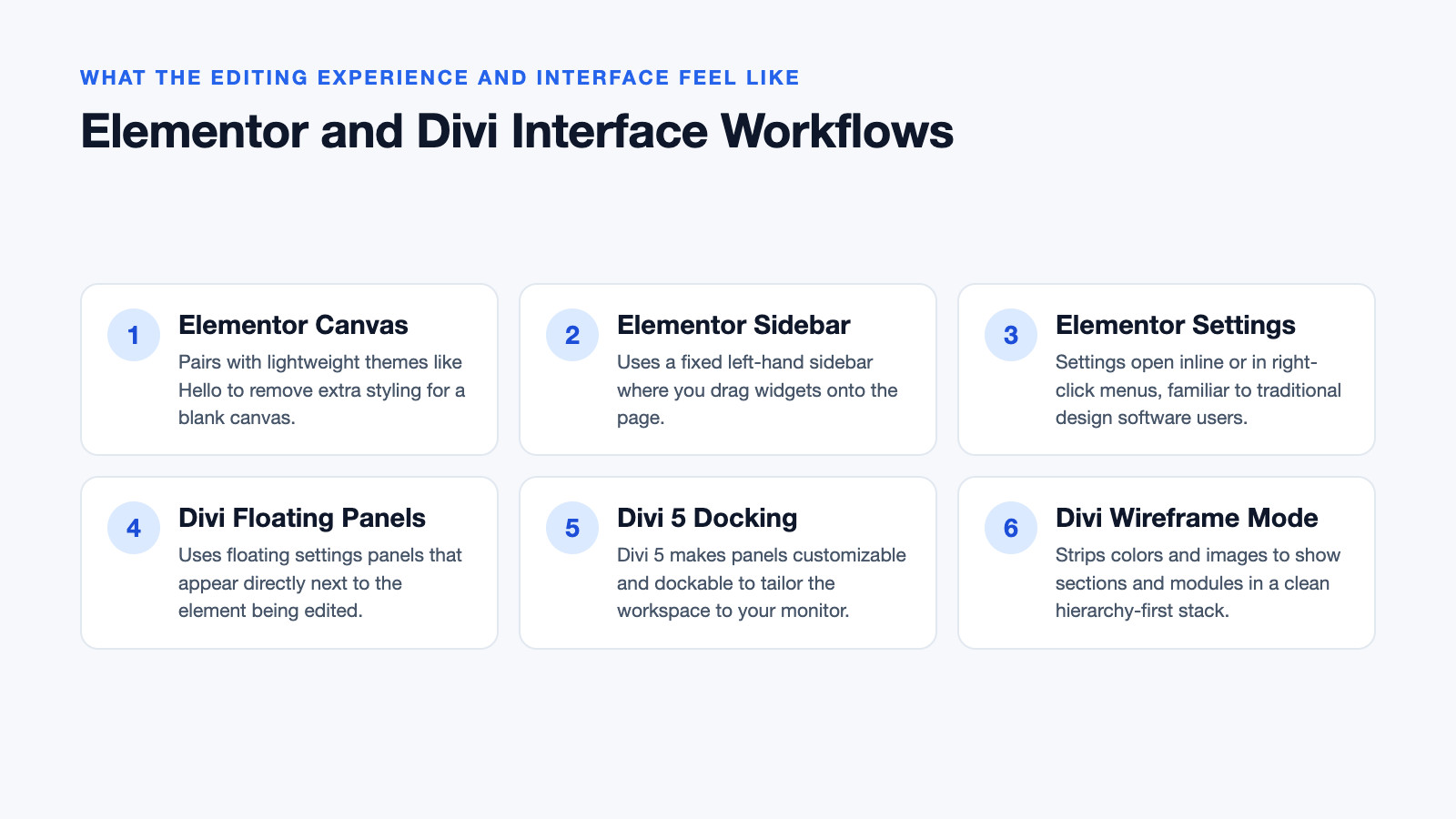
Both builders use a visual drag-and-drop interface, but their workflows cater to different types of thinkers. Elementor operates as a plugin that pairs well with lightweight themes like Hello, which removes extra styling to leave a blank canvas. Its interface features a fixed left-hand sidebar where you drag widgets onto the page. The settings panels open inline or in right-click menus, which feels familiar to users of traditional graphic design software. It is a highly What is Elementor? Elementor is a “drag-and-drop WordPress page builder that lets you create custom websites without writing any code”.
Divi, on the other hand, is an all-in-one theme and builder. Instead of a fixed sidebar, Divi uses floating settings panels that appear directly next to the element you are editing. With the introduction of Divi 5, these panels became customizable and dockable, allowing you to tailor the workspace to your monitor setup. Divi also includes a unique wireframe mode, which strips away colors and images to show sections, rows, and modules in a clean stack. This hierarchy-first view is incredibly helpful for planning complex layouts before you get distracted by typography and spacing.
How Performance and Code Output Stack Up
Page builders inject additional CSS and JavaScript into your pages, which can impact load times if not managed correctly. Performance is a moving target, as both companies regularly release optimization updates.
Historically, both builders struggled with bloated code, but recent architectural shifts have changed the landscape. Divi 5 was rewritten from scratch to address legacy bloat. The update introduced "a front-end rendering engine that claims to double performance" and actively moves the platform away from shortcode reliance for cleaner HTML output.
Elementor has also made significant strides in optimization over the years. However, because it relies heavily on third-party add-ons to extend functionality, the cumulative weight of multiple plugins can make the front end heavy. In controlled tests by Kinsta, where identical sets of modules were built on the same lightweight theme, both builders performed similarly out of the box. Yet, independent audits by WP Rocket using mobile-oriented Core Web Vitals metrics show that keeping either builder fast requires diligent use of caching, image optimization, and disabling unused widgets.
What Happens to Your Site if You Switch Builders
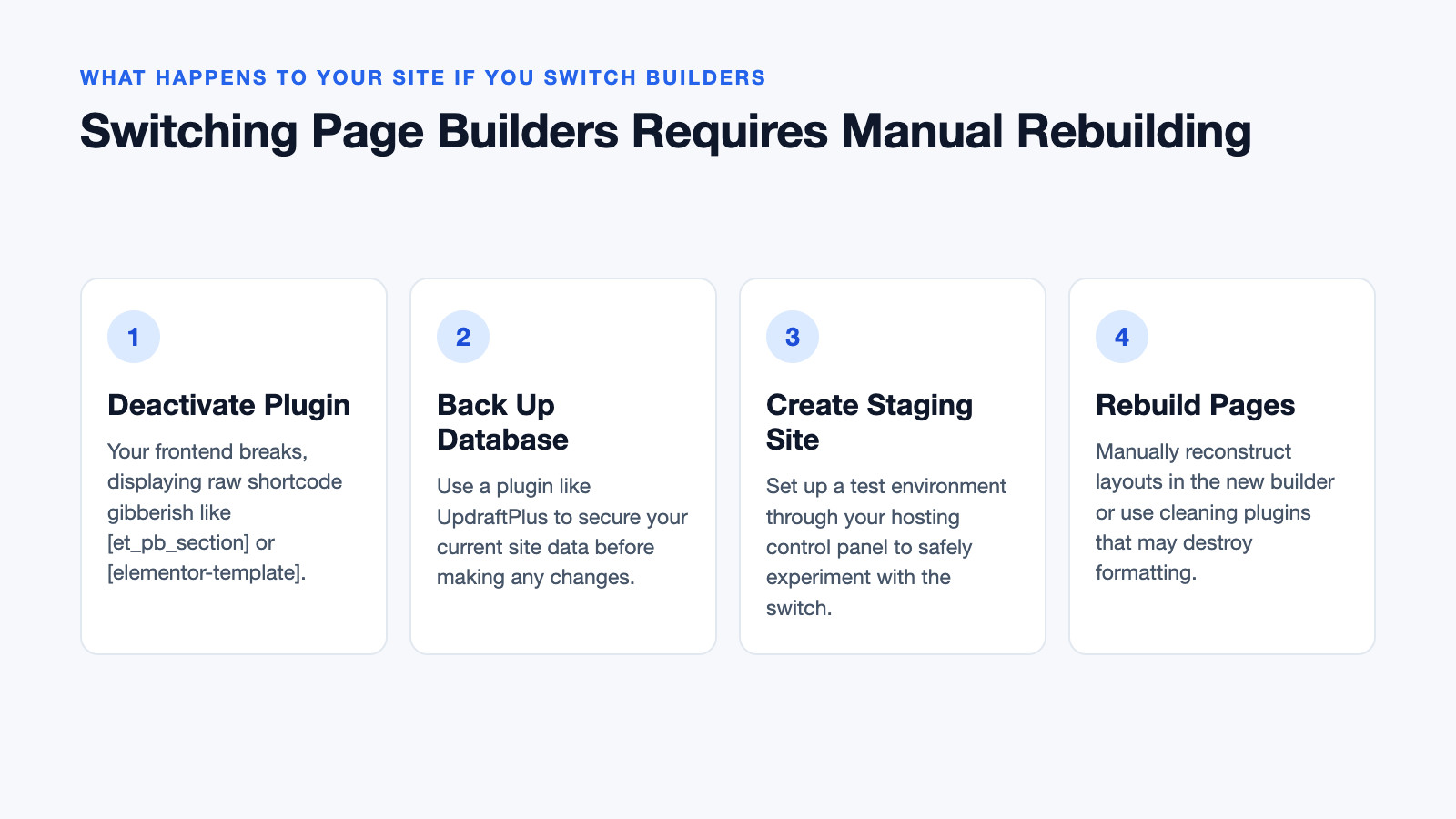
Vendor lock-in is the most critical factor to consider before committing to a page builder. Both Elementor and Divi store your layout data using WordPress shortcodes under the hood.
If you design a beautiful homepage in Divi and then deactivate the plugin, your frontend content will break, displaying raw shortcode gibberish like [et_pb_section][et_pb_row][et_pb_text]...[/et_pb_text][/et_pb_row][/et_pb_section]. The exact same thing happens with Elementor, which will output [elementor-template] blocks.
Switching away from either builder is not as simple as installing a migration tool. To switch safely, you must:
- Back up your database using a plugin like UpdraftPlus.
- Create a staging site through your hosting control panel.
- Rebuild your pages manually in the new builder, or use a specialized shortcode-cleaning plugin to strip the old builder’s tags (which often destroys your layout formatting in the process).
Because of this shortcode lock-in, treat your choice of builder as a long-term architectural decision for your site.
What This Means for Your Specific Workflow
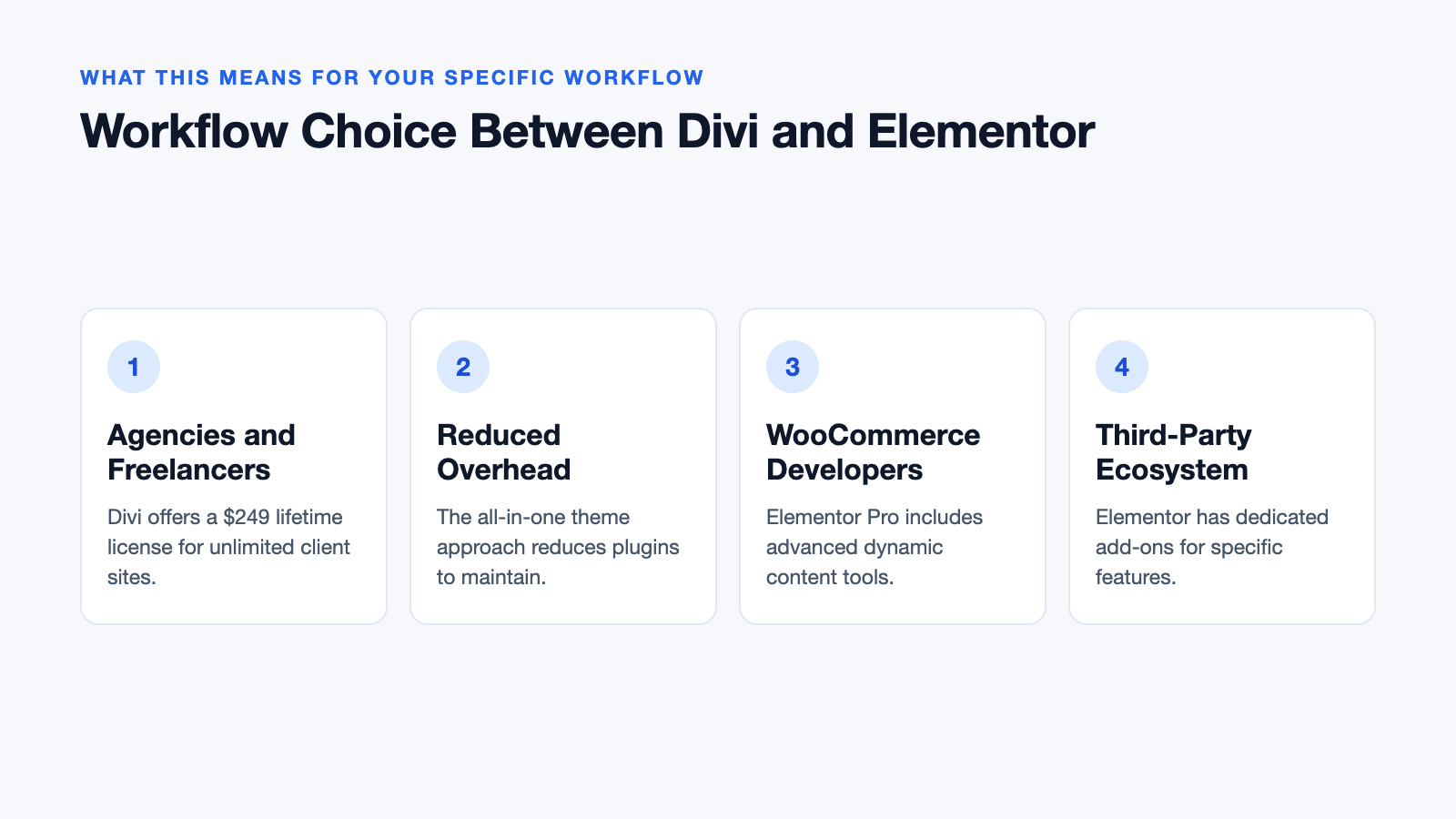
Choosing between these two giants ultimately comes down to how you run your WordPress business.
For agencies and freelancers managing dozens of client sites, Divi offers a massive financial advantage. The $249 lifetime license and the inclusion of Divi Dash mean you can onboard unlimited client websites without your software overhead scaling with your client count. The all-in-one theme approach also reduces the number of plugins you need to maintain and update for each client.
For developers building highly customized, dynamic WooCommerce stores or complex web applications, Elementor is often the better fit. Its Pro version includes advanced dynamic content tools and a native popup builder. More importantly, Elementor’s massive third-party ecosystem means if you need a highly specific feature—like an advanced booking system or a custom grid layout—there is almost certainly a dedicated, optimized add-on available, whereas Divi expects you to build those complex elements from scratch using its native modules.
Quick Decision Checklist
Before you purchase, run through this practical checklist to confirm your choice:
- Choose Elementor if: You want to test a builder for free, you need a native popup builder, you rely on third-party widget ecosystems, and you prefer a fixed-sidebar design interface.
- Choose Divi if: You want to pay once and use the builder on unlimited sites, you prefer a theme-and-builder bundle, you value wireframe planning tools, and you want centralized site management via Divi Dash.
- Always do this first: Whichever you choose, install a caching plugin, optimize your images, and restrict the builder from loading its CSS/JS on pages where it isn’t actively being used.
Frequently asked questions
Is Elementor better than Divi?
Neither is objectively better; they serve different needs. Elementor is better if you want a free starting point, a native popup builder, and a massive ecosystem of third-party add-ons. Divi is better if you want a lifetime license, unlimited site installations, and an all-in-one theme and builder package.
Do people still use Divi?
Yes, Divi remains one of the most popular WordPress themes in the world, powering hundreds of thousands of active websites. The recent release of Divi 5, which rewrote the core architecture for better speed and a modernized interface, has renewed interest among both legacy users and new adopters.
Is Elementor still worth it in 2026?
Elementor remains highly relevant, particularly for users who need granular design control and dynamic content capabilities. While the lack of a lifetime license means ongoing annual costs, the introduction of Elementor One bundles essential site management tools into a single subscription, improving its overall value proposition for active site owners.
Can I switch from Divi to Elementor without rebuilding my site?
No, you cannot switch without rebuilding. Both builders use shortcodes to save layout data in the database. Deactivating one builder will break your site’s layout, and there is no automated tool that can perfectly translate Divi modules into Elementor widgets while preserving your design. You must rebuild your pages manually on a staging environment.
Reviewed by Shahid Anwer · Editorial standards
